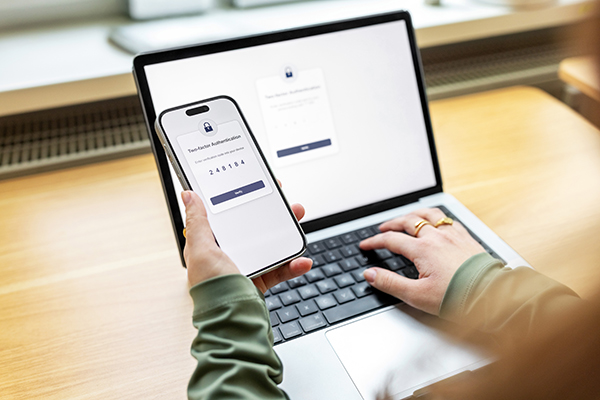
The Stride app puts everyday banking just one tap away. Pay a bill in line at the grocery store, deposit a cheque from the kitchen table, send an e-Transfer from the truck. Free on iPhone and Android.
Deposit a cheque by snapping a photo with Deposit Anywhere™
Move money between your accounts
Find a branch or ATM near you
Grab a void cheque image when you need one
Deposit a cheque without leaving the couch
Open the app, snap the front and back of your cheque, pick the account, enter the amount, submit. Done. No line, no envelope, no drive into town.
Tap to pay with your phone or watch
Add your Stride MemberCard® to Apple Pay, Google Pay or Samsung Pay and pay wherever Interac® Flash is accepted. Quick, secure, and one less card to carry.
Your card number stays private, mobile wallets never share it with the store.
Setting it up
Apple Pay: open the Wallet app, tap +, follow the steps. On Apple Watch, use the Watch app → Wallet & Apple Pay.
Google Pay: open Google Wallet, tap Add to Wallet, verify your card.
Samsung Pay: open Samsung Pay, set your PIN, add your card.
How you pay
In store: hold your device near the reader.
In apps or online: choose your wallet at checkout and confirm with Face ID, Touch ID or your PIN.
On your watch: double-click the side button and hold it to the reader.
Stay secure
2-step verification when you sign in, and Lock’N’Block to freeze your debit card from the app the moment you can’t find it. Unfreeze it when it turns up.